
How to Use Temporary Email Safely
By CatchTempMail · Published August 2, 2026
Temporary email is useful when a website asks for an address before you can receive a code, test a signup, download a file, or try a service.
It can keep your permanent inbox away from spam and low-value registrations.
But temporary email is safest when you use it for the right job. A disposable inbox is not a secure archive, account-recovery method, password manager, private browser, VPN, or guarantee of anonymity.
The practical rule is simple:
Use temporary email when the message is low-risk and the relationship can safely end.
This guide explains how to use temporary email safely, when to avoid it, and how to combine it with other privacy habits.
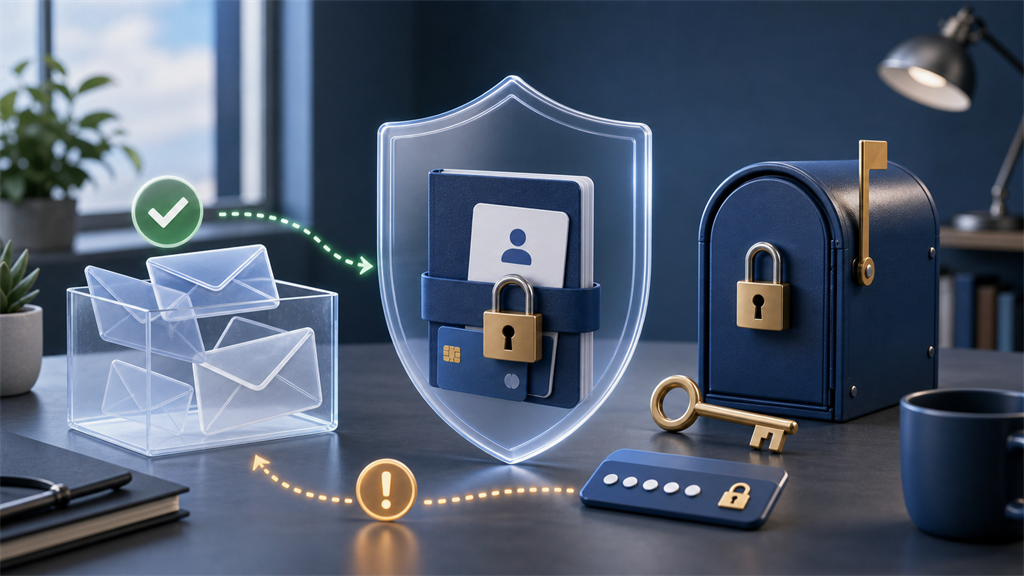
What temporary email is good at
A temporary inbox can help you avoid giving every website your primary email address.
It is especially useful for:
- One-time verification
- Low-risk downloads
- Newsletter gates you do not care about
- Software testing
- Trial accounts with no lasting value
- Separating unknown websites from your real inbox
- Avoiding future promotional messages
Temporary email works best when you only need to receive one or a few messages.
For example, if a website requires an email address before showing a free template, a disposable inbox may be a reasonable choice.
If the website later sends marketing messages, they do not clutter your permanent account.
What temporary email is not good at
Temporary email becomes risky when you need future access.
Avoid using it for:
- Banking
- Government services
- Healthcare
- Employment
- School accounts
- Paid subscriptions
- Online purchases you may need to dispute
- Password managers
- Cloud storage
- Social profiles you care about
- Developer accounts with valuable projects
Most important accounts use email for password resets, login approvals, suspicious-activity alerts, receipts, and support.
If the disposable inbox expires, those messages may never reach you.
For a deeper explanation, see What a Temporary Email Can and Cannot Hide.
Start with a risk question
Before using a temporary inbox, ask:
Would it matter if I lost access to this account tomorrow?
If yes, do not use temporary email.
Use a permanent address or a durable alias instead.
If no, ask a second question:
Could the message contain sensitive information?
If yes, avoid a temporary inbox.
Temporary email is best for short-lived and low-sensitivity messages.
Use a random address
If you can choose the address, avoid names that connect the inbox to you.
Poor choices include:
john-smith@example.net
company-project@example.net
my-normal-username@example.net
Better choices are random and unrelated:
x7k29r@example.net
blue-quiet-481@example.net
A random address reduces casual identification and makes the inbox harder to guess.
It does not make the inbox safe for confidential information.
Do not reuse passwords
A disposable email address does not make password reuse safe.
If you create a low-value account with temporary email and reuse a password from your permanent email account, you have created a serious risk.
If the low-value website is breached or phished, attackers may try that same password elsewhere.
Current NIST password guidance emphasizes long passwords and screening against compromised secrets. In practical terms, every account you keep should have a unique password.
Use a password manager for accounts that matter.
For accounts that do not matter, still avoid any password connected to your real identity.
Treat every message with caution
A temporary inbox can receive phishing messages just like a permanent inbox.
Do not assume a message is safe because you expected one email.
Before clicking:
- Confirm that the sender matches the service you just used
- Inspect the destination link
- Avoid unexpected attachments
- Do not enter permanent account credentials
- Do not share verification codes with another person
- Use the official website directly when something feels wrong
The FTC phishing guidance explains that scammers often imitate familiar organizations and pressure people to click links or reveal information.
For verification-specific examples, see How to Identify Phishing Verification Emails.
Do not receive sensitive records
Temporary inboxes should not be used for documents or messages that would cause harm if exposed.
Avoid receiving:
- Medical records
- Tax documents
- Identity documents
- Banking statements
- Legal documents
- Private photos
- Password reset backup codes
- Cryptocurrency recovery phrases
- Confidential business files
If a message is important enough to keep securely, it probably belongs in a secured permanent account or another approved communication channel.
Save only what you are allowed to keep
Some temporary messages contain a confirmation number, download link, or license key.
If the interaction is legitimate and you are entitled to keep that information, save it before leaving the inbox.
Do not assume the inbox will remain available.
Also avoid saving sensitive information on a shared or public device.
Do not use temporary email as recovery email
Recovery email must remain available when something goes wrong.
A temporary inbox is the wrong place for recovery links, security alerts, and ownership verification.
If you used temporary email for an account you now care about, change the registered address while you still have access.
Then update:
- Recovery email
- Recovery phone
- Multifactor authentication
- Active sessions
- Security alerts
Use aliases for accounts you may keep
An email alias is often better for long-term privacy.
An alias hides your primary address while forwarding messages to your real inbox.
Use an alias when you want:
- Receipts
- Support replies
- Password recovery
- Subscription notices
- Newsletters you actually read
- Long-term access
Use temporary email when you do not want a continuing relationship.
See Email Aliases vs. Temporary Email for a full comparison.
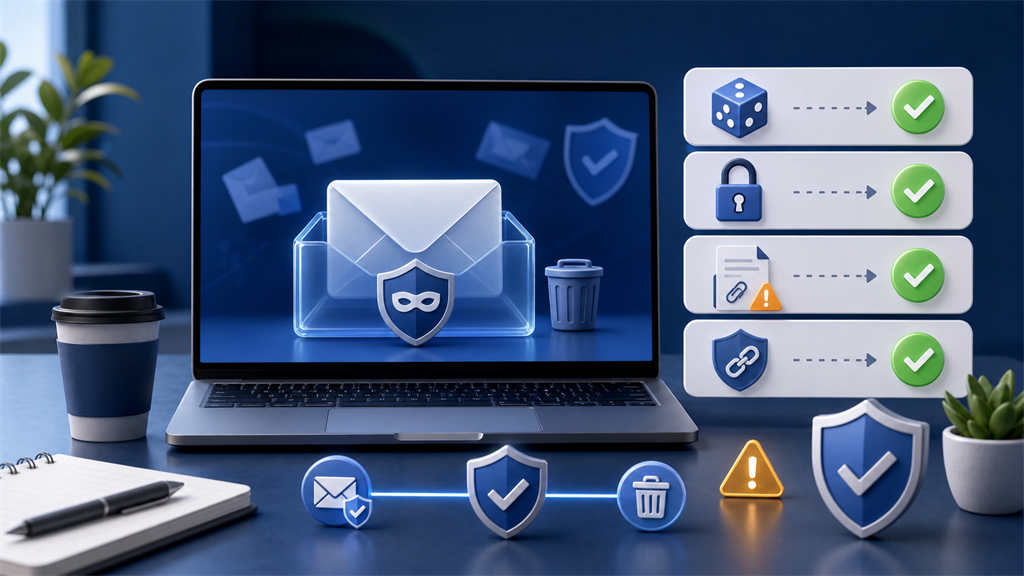
Temporary email safety checklist
Before using a temporary inbox, confirm:
- The account is low-risk
- You will not need future recovery
- The message should not contain sensitive information
- The address is not personally identifying
- You are not reusing a password
- You can verify links before clicking
- You will not use it to bypass rules
- You can lose access without consequence
If any item fails, choose a permanent address or alias.
Match the inbox to the account lifetime
The safest temporary-email decision usually depends on how long the account needs to exist.
A one-minute task can use a disposable address. A one-year relationship should not.
Think about the account's expected lifetime:
| Expected lifetime | Safer choice |
|---|---|
| A few minutes | Temporary inbox |
| A few days | Temporary inbox or alias |
| A few months | Alias |
| A year or more | Alias or permanent email |
| Important indefinitely | Permanent email |
The more time passes, the more likely you are to need recovery, support, receipts, or security notices.
Temporary email intentionally removes that continuity.
That is helpful when you want the relationship to end. It is dangerous when the relationship turns out to matter.
Separate privacy from security
Temporary email can improve privacy by hiding your permanent address from a website.
Security is broader.
An account can use a disposable email address and still be insecure if:
- The password is reused
- The website is fraudulent
- You enter personal information
- You click a phishing link
- You download a malicious file
- You ignore account recovery needs
Likewise, an account can use your permanent email address and still be secure if it has a unique password, multifactor authentication, reliable recovery, and careful account monitoring.
Temporary email is one privacy control.
It should be combined with good security habits rather than treated as a substitute for them.
Use temporary email before trust is established
A temporary inbox is often useful during evaluation.
For example, you might use it when:
- A website requires email before showing a demo
- A tool wants an address before revealing pricing
- A forum asks for verification before you can browse
- A download page requires a confirmation link
- A beta product looks interesting but unfamiliar
If the service turns out to be useful, you can decide whether to create a durable account.
At that point, switch to a permanent address or alias.
Do not build valuable history on an inbox you expect to lose.
Be careful with phone numbers and payment details
Temporary email does not protect information you provide elsewhere.
If a site asks for a phone number, payment card, legal name, or mailing address, the privacy benefit of a disposable email may be limited.
For example, using temporary email while paying with a personal credit card still connects the transaction to you through the payment system.
Using temporary email while entering your real phone number still gives the website another stable identifier.
Before submitting a form, review all fields, not just the email field.
The question is not only "which address should I use?"
It is also "what else am I giving this website?"
Avoid temporary email on shared or monitored devices
A temporary inbox may not require a traditional login.
That makes the device you use more important.
On a shared computer, someone else may be able to:
- Reopen the browser tab
- View browser history
- Restore a closed session
- See copied codes in clipboard history
- Access downloaded files
- View cached pages
Private browsing can reduce some local traces, but it does not guarantee that a public or shared device is trustworthy.
Avoid receiving anything sensitive when using a shared computer.
When finished, close the inbox, clear downloads if appropriate, and make sure you are not signed into any permanent accounts.
Know when to abandon the signup
Temporary email should not be used to push through every questionable registration.
Sometimes the better choice is to stop.
Consider abandoning the signup if the website:
- Requests unnecessary personal information
- Requires a payment card for a "free" resource
- Pushes you to install unknown software
- Sends an unexpected attachment
- Asks for your permanent email password
- Blocks disposable email and then asks for phone verification
- Uses suspicious redirects or lookalike domains
A disposable inbox can reduce exposure, but it cannot make a bad website safe.
What to do after using a temporary inbox
When the task is complete, decide whether anything needs to be kept.
For low-risk interactions, you may need:
- A non-sensitive confirmation number
- A download file
- A coupon code
- A trial login you do not care about
- A support reference for a short-lived issue
Save only what you are allowed to keep and only where it makes sense.
If the account became important during the process, update the registered email address while you still have access.
Then secure the account like any other account you intend to keep.
Common safe-use scenarios
Temporary email is usually reasonable for:
- Downloading a public checklist
- Testing a new signup flow
- Confirming a low-risk forum account
- Trying a tool before deciding whether to subscribe
- Receiving a one-time coupon with no purchase record
- Separating a contest or survey from your real inbox
Temporary email is usually not reasonable for:
- Buying a product with a warranty
- Creating an account with stored files
- Registering for healthcare or school services
- Managing invoices or tax records
- Creating a social profile you may want later
- Receiving legal, financial, or identity documents
The difference is not whether the website is annoying.
The difference is whether access and records may matter later.
How temporary email fits with other tools
Temporary email is strongest when it is one layer in a broader setup.
For low-risk browsing, you might combine:
- Temporary email for the address field
- Private browsing for a cleaner local session
- A password manager for any account you keep
- Careful link inspection for verification emails
- A VPN when network address privacy matters
Each tool covers a different risk.
Temporary email does not replace private browsing because it does not clear cookies.
It does not replace a VPN because it does not change your IP address.
It does not replace a password manager because it does not create or store strong unique passwords.
The safer habit is to identify the risk first, then choose the tool that addresses that risk.
The bottom line
Temporary email is safest when it is used for disposable interactions.
It can reduce spam, protect your primary address, and separate one-time signups from your long-term inbox.
It should not be used for important accounts, recovery addresses, sensitive records, or anything you would be upset to lose.
Use Catch Temp Mail for short-lived, low-risk messages. Use a permanent account or durable alias when the relationship matters.